
Numbers from Apple’s reports, and what to improve today, this week, this month
Downloads, proceeds, purchases, ratings and countries from Apple’s reports, for each app and for all of them together. Next to them, the agent’s to-do list for today, this week and this month.
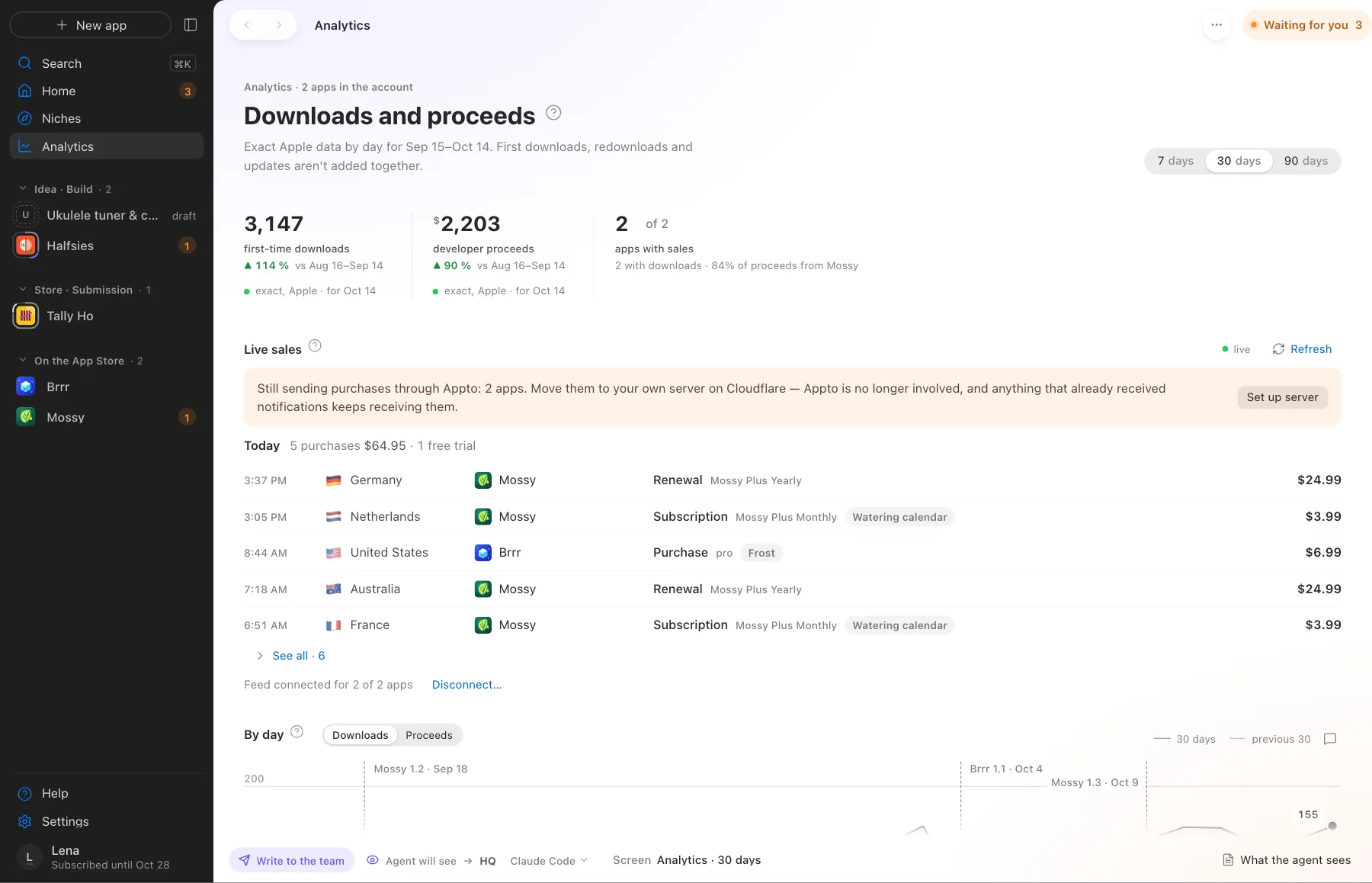
Downloads and proceeds across all apps for 30 days
What Appto does and where you choose
Appto does it
- Fetches Apple’s reports every day and draws a chart with version marks
- Says where every number comes from. Exact from Apple, a sample or our estimate, and how fresh it is
- Compares with the previous 7, 30 or 90 days
- Keeps three to-do lists. Today, this week, this month, with the cost of each item
Your choice
- Choose which item to take on
- Start a new version when it’s time
Your App Store Connect data doesn’t go to appto.store. The app talks to Apple directly, and the key stays on your Mac. Analytics across all apps on one screen comes with Studio and Pro.
More screens
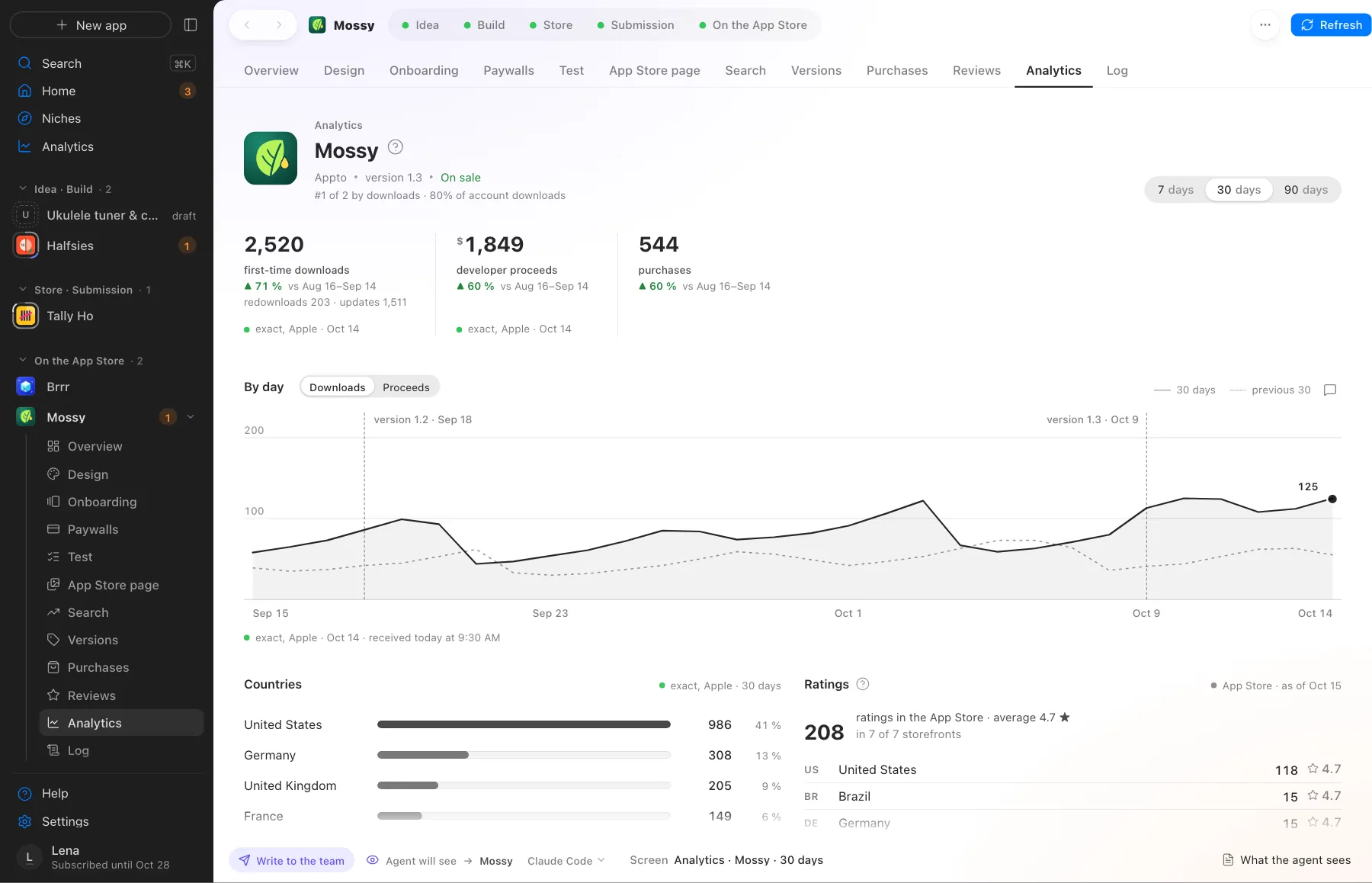
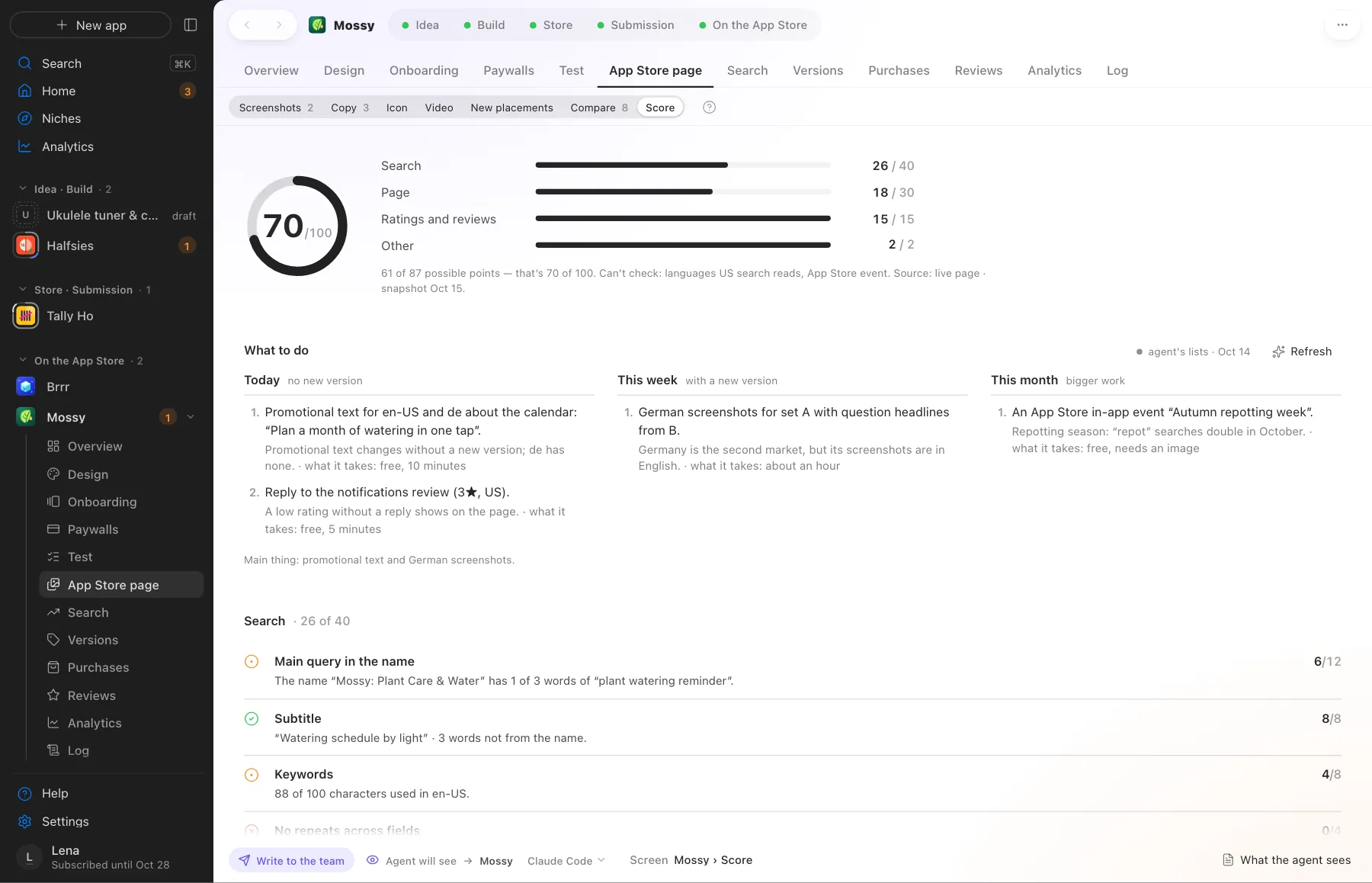
Screens use demo data, with no real apps or numbers.
Where this happens
After launch on the App Store. A new version takes its own short path while the current one keeps selling.
Nearby on the path
 10
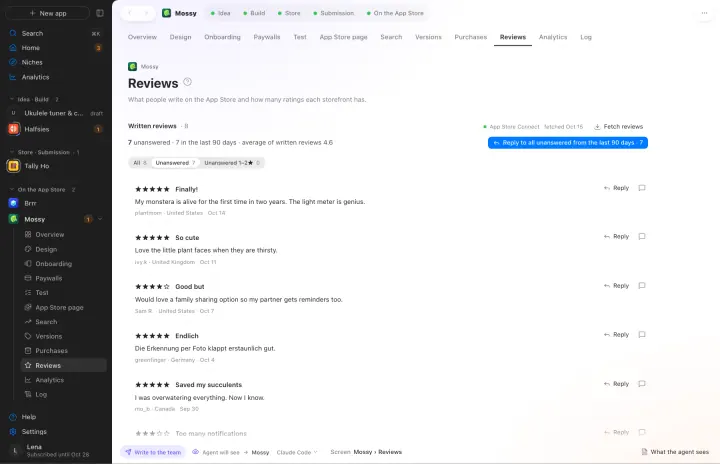
10Reviews
Replies to reviews and flags a fresh bad rating
 12
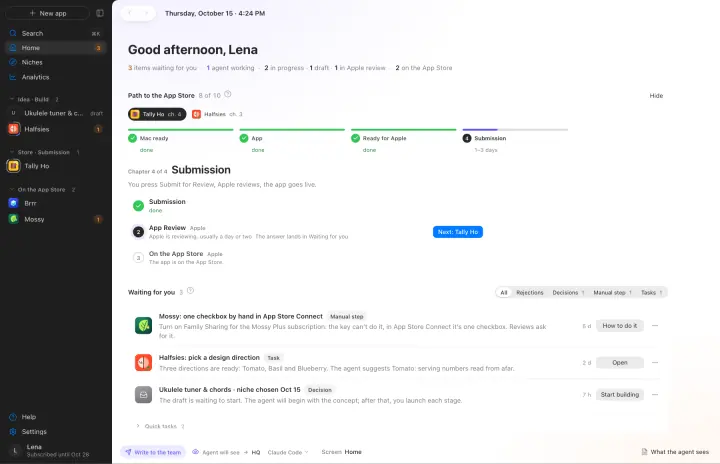
12Many apps and agents
Apps in parallel, each with its own agent, one Waiting for you queue
 13
13GitHub and Restore
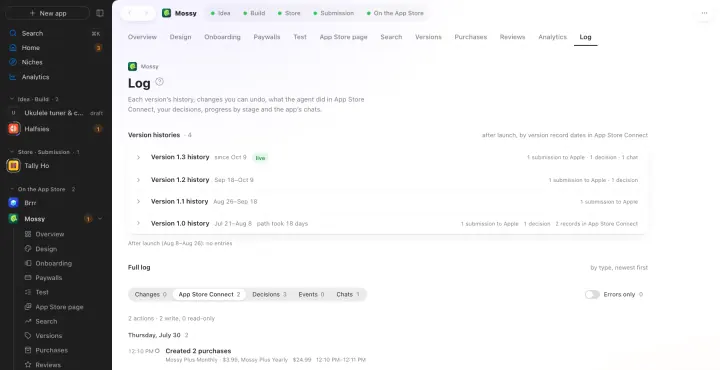
Each app in its own private repository, and Appto makes the commits itself
Your own AI, on your own subscription
Appto runs on Claude Code or Codex with the Claude Pro or ChatGPT Plus subscription you already have. Each app can have its own agent, and you can switch any time.
Who owns the code, where the keys live, what it costs. All answers →