
SwiftUI code that Appto checks on the simulator by itself
The agent writes the app in a regular Xcode project, then walks every screen on the simulator and fixes what it finds. You can try it yourself on the simulator, on your own iPhone or through TestFlight.
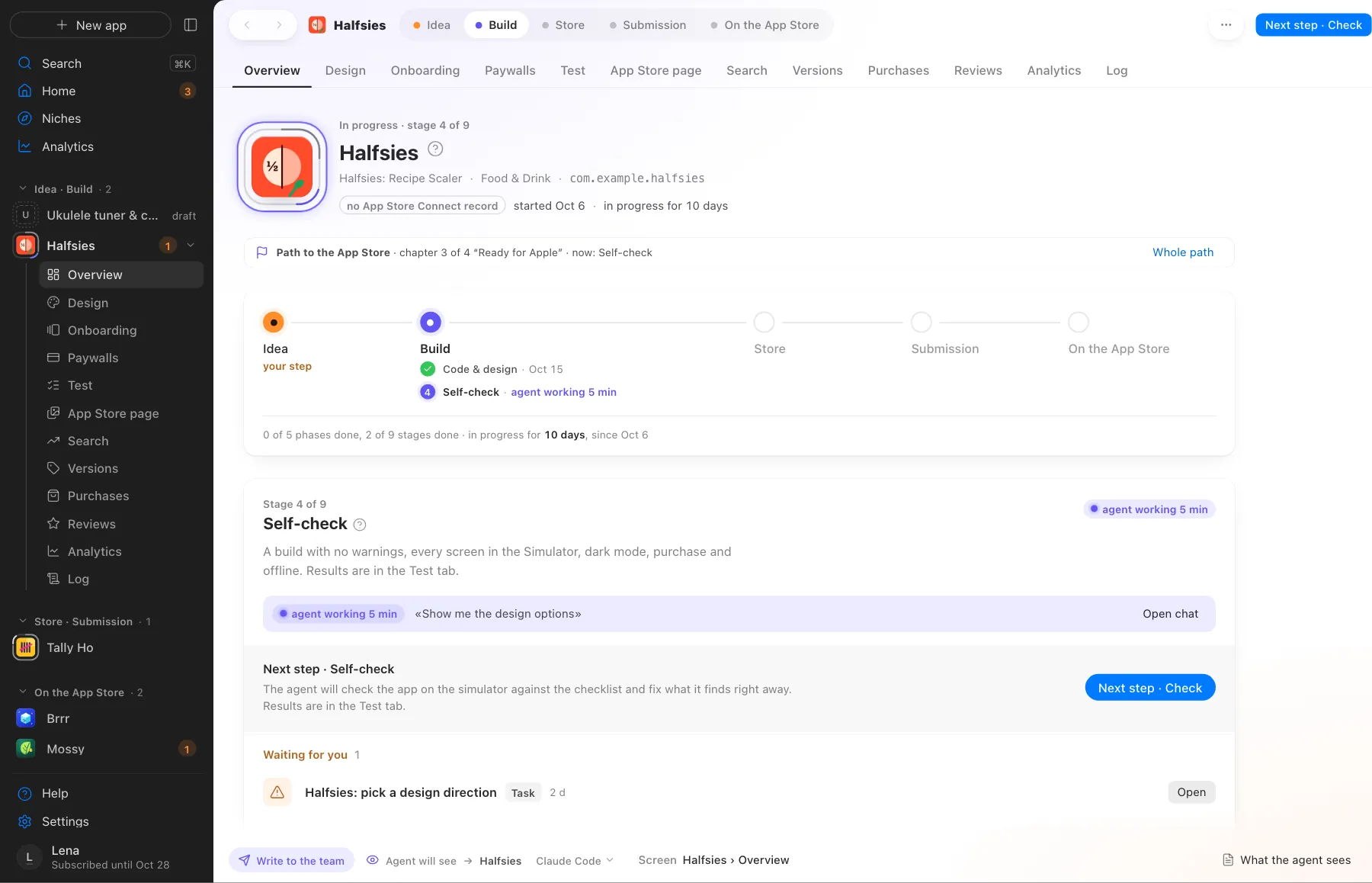
Self-check. The agent is working, and you see the stage and what’s done
What Appto does and where you choose
Appto does it
- Writes Swift and SwiftUI in a project that opens in Xcode and builds without Appto
- Checks Apple’s documentation from your installed Xcode
- Walks every screen in light and dark mode and checks rotation, the purchase and offline use
- Builds for TestFlight so you can give the app to others
Your choice
- Open the app yourself if you want to try it
- Point at the spot on the screen that needs a fix
The code is yours. Without an Apple Developer account you can still go through the niche, the concept, the code with runs on the simulator, the self-check and the store page.
More screens
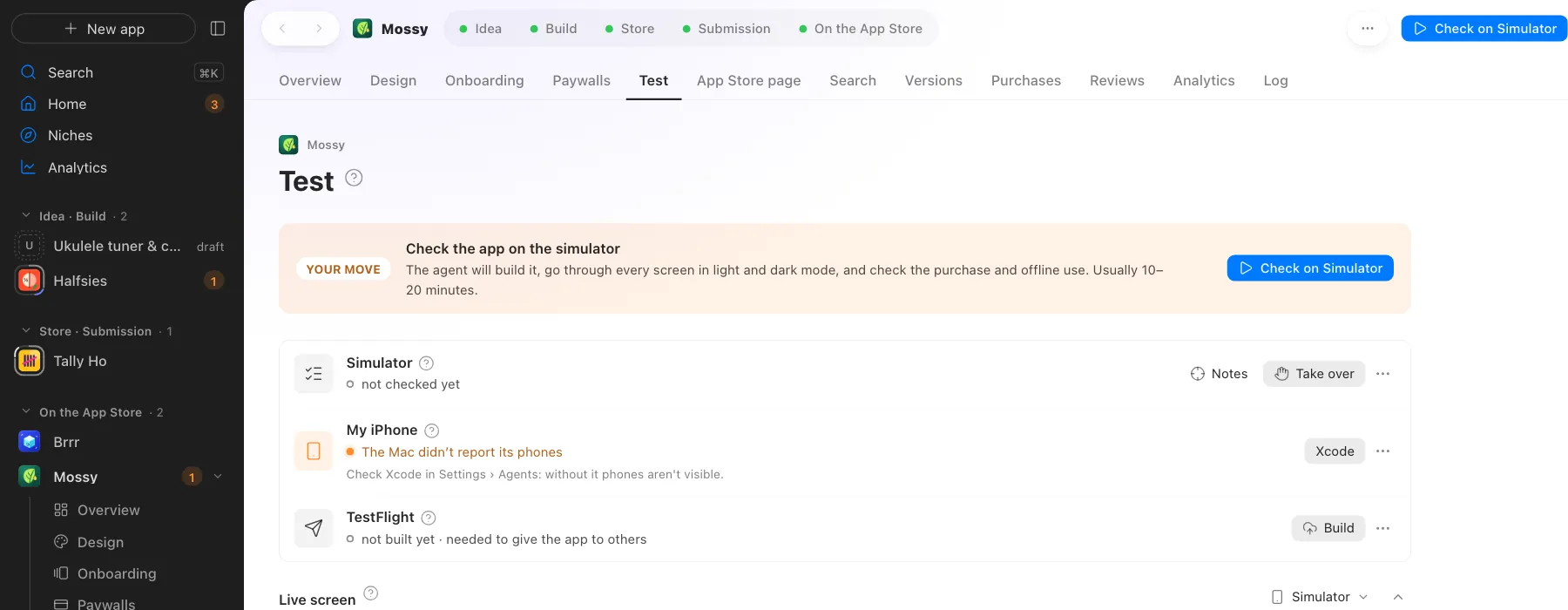
Screens use demo data, with no real apps or numbers.
Where this happens
The Code and design and Self-check stages in the Build phase. Self-check is ticked off by the result on the simulator.
Nearby on the path
 03
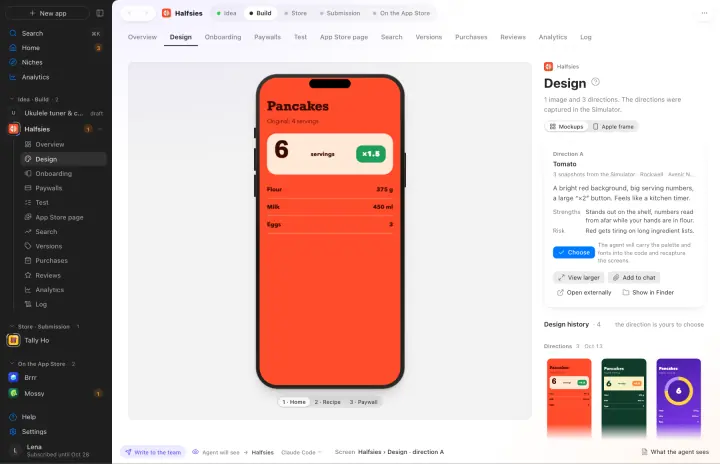
03Design
Two or three directions and a live mockup you tap like on an iPhone
 05
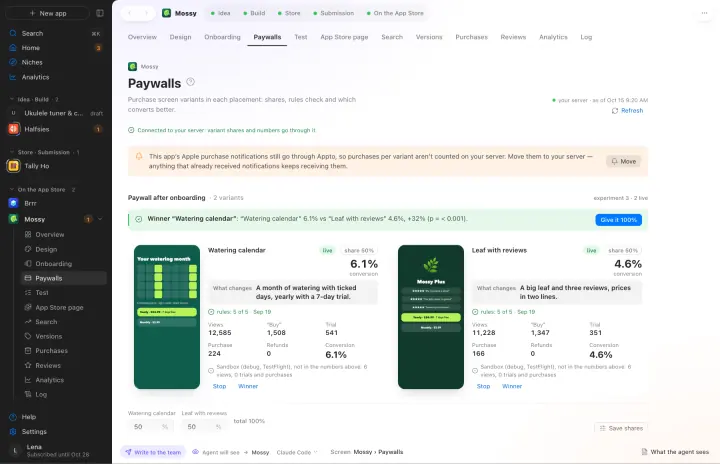
05Onboarding and paywalls
Several variants and a count of which one sells better
 06
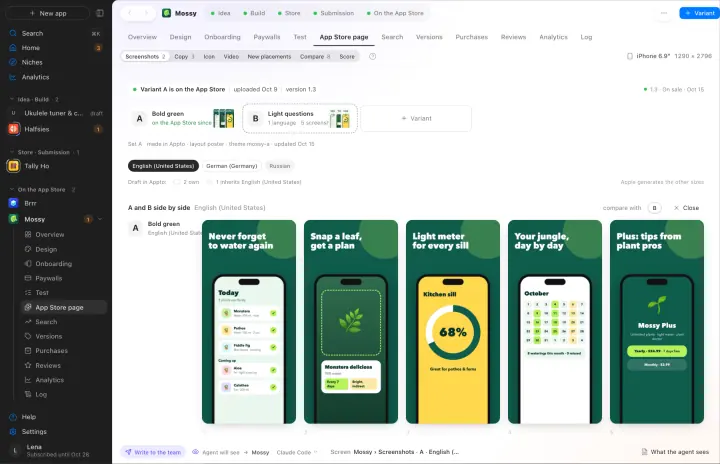
06Screenshots in every language
Screenshot sets for iPhone and iPad in 39 languages
Your own AI, on your own subscription
Appto runs on Claude Code or Codex with the Claude Pro or ChatGPT Plus subscription you already have. Each app can have its own agent, and you can switch any time.
Who owns the code, where the keys live, what it costs. All answers →