
App Store screenshots in every language and in several variants
Appto captures the app’s screens, turns them into App Store screenshots and translates the captions. Two sets sit side by side and you pick one with a click.
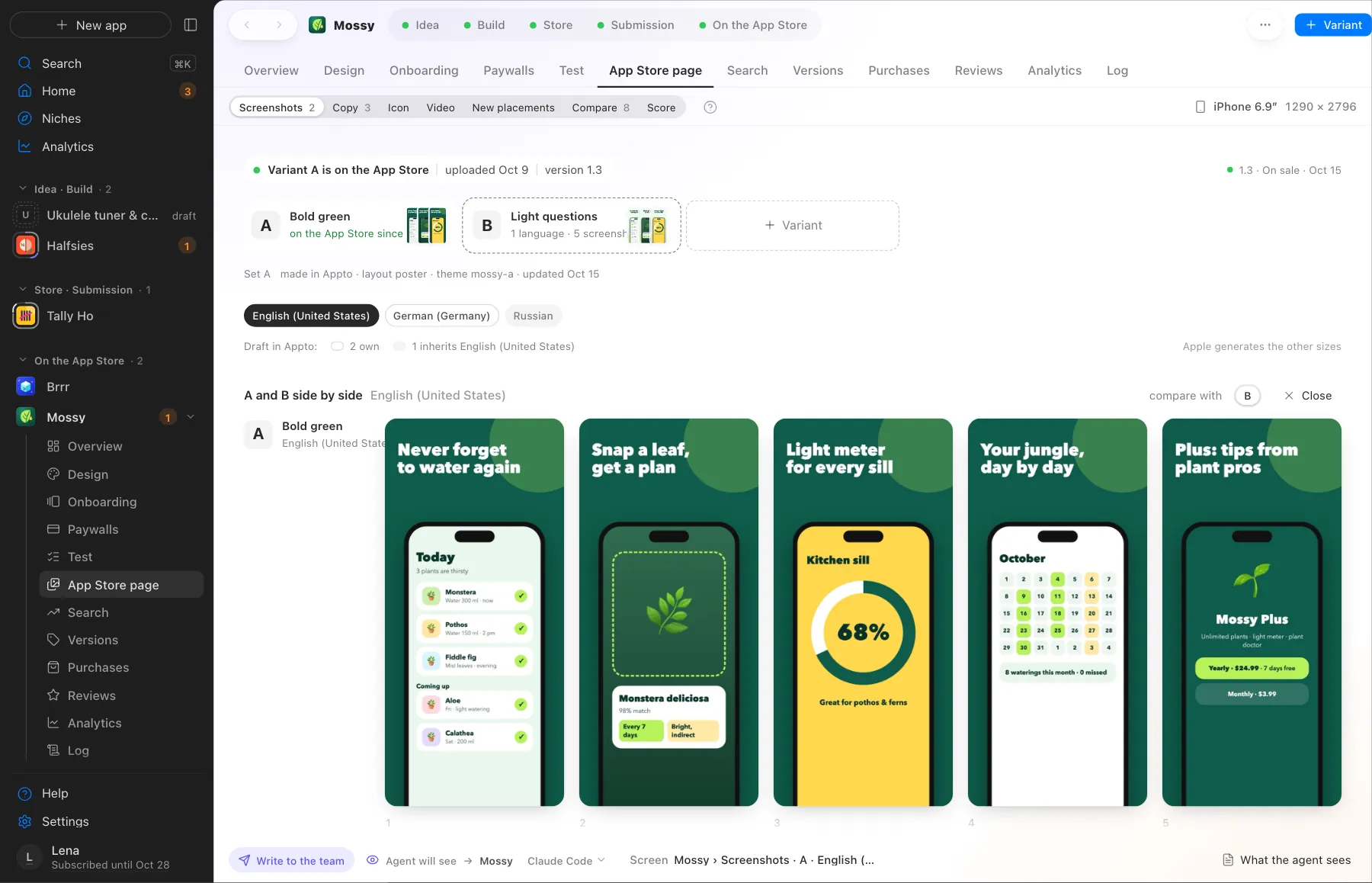
Two screenshot sets side by side. Pick one with a click
What Appto does and where you choose
Appto does it
- Makes screenshot sets for iPhone and iPad
- Translates the captions into the 39 App Store languages
- Keeps several variants of a set and shows them side by side
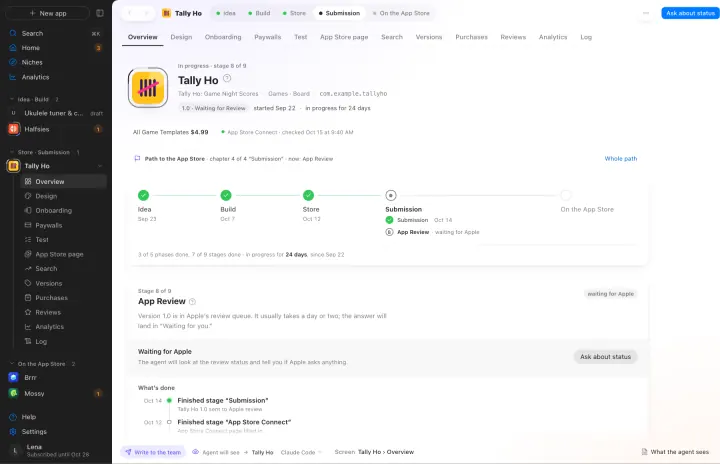
- Uploads the chosen set to App Store Connect after your yes
Your choice
- Pick a set
- Ask for a different headline or shot order
Languages without their own set inherit the primary one. Apple makes the other screen sizes from your screenshots.
More screens
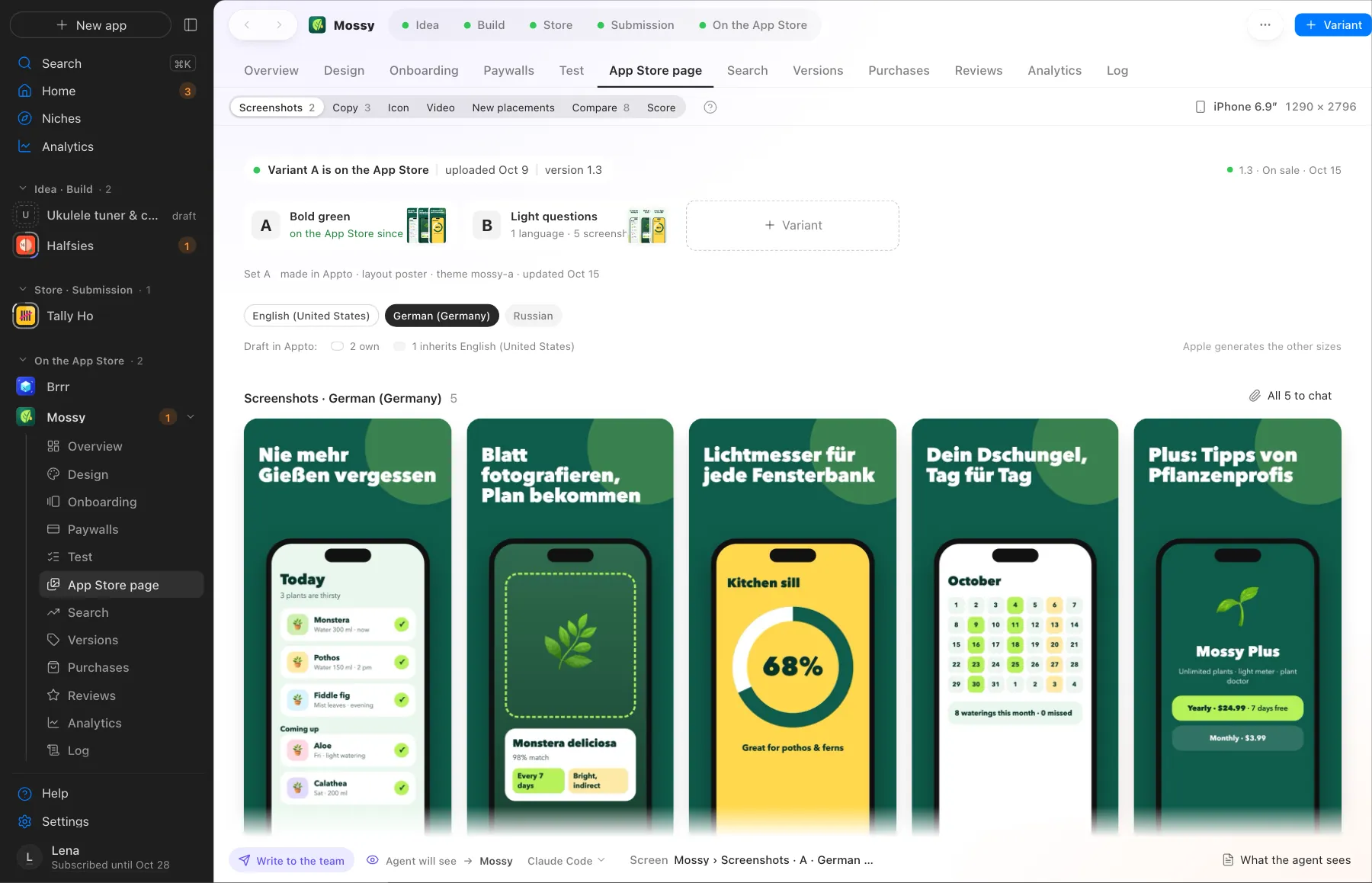
Screens use demo data, with no real apps or numbers.
Where this happens
The App Store page stage in the Store page phase. For a live app new screenshots ship with a new version.
Nearby on the path
 05
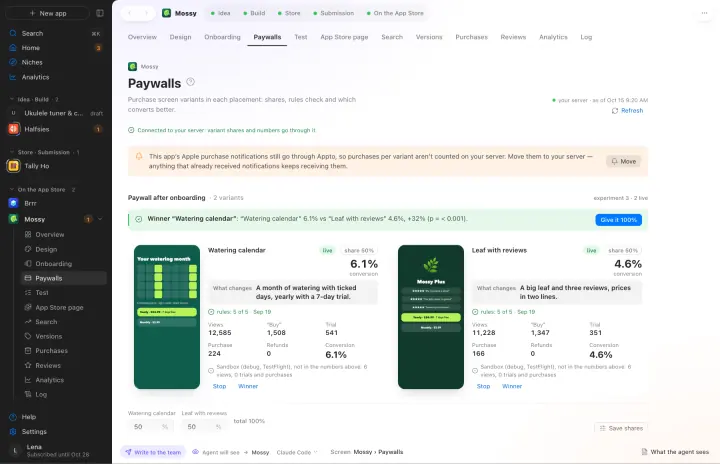
05Onboarding and paywalls
Several variants and a count of which one sells better
 07
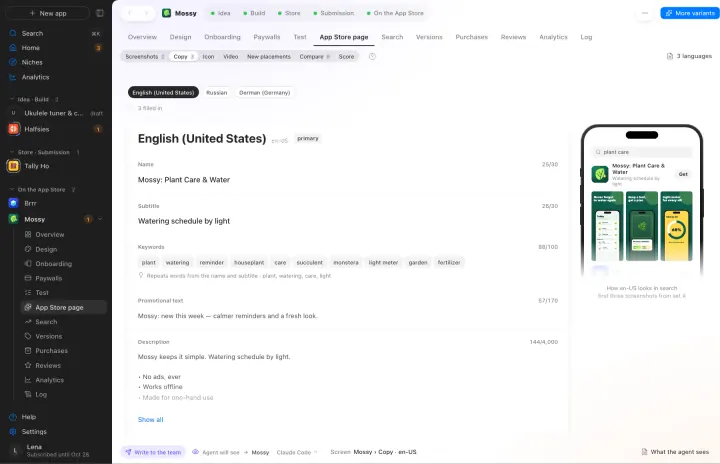
07ASO and the App Store page
Name, subtitle and keywords in every language, a page score out of 100
 08
08App Store Connect and submission
Purchases, prices, privacy, build and the submission. Submitted to Apple from your account
Your own AI, on your own subscription
Appto runs on Claude Code or Codex with the Claude Pro or ChatGPT Plus subscription you already have. Each app can have its own agent, and you can switch any time.
Who owns the code, where the keys live, what it costs. All answers →