
App Store Connect filled in, the version ready for Apple
Appto fills in App Store Connect. Purchases and prices, the privacy questionnaire, a privacy policy page, the build and the final checklist. Then Appto submits to Apple from your account or shows you what to press in App Store Connect, and Apple’s answer lands in your Waiting for you queue.
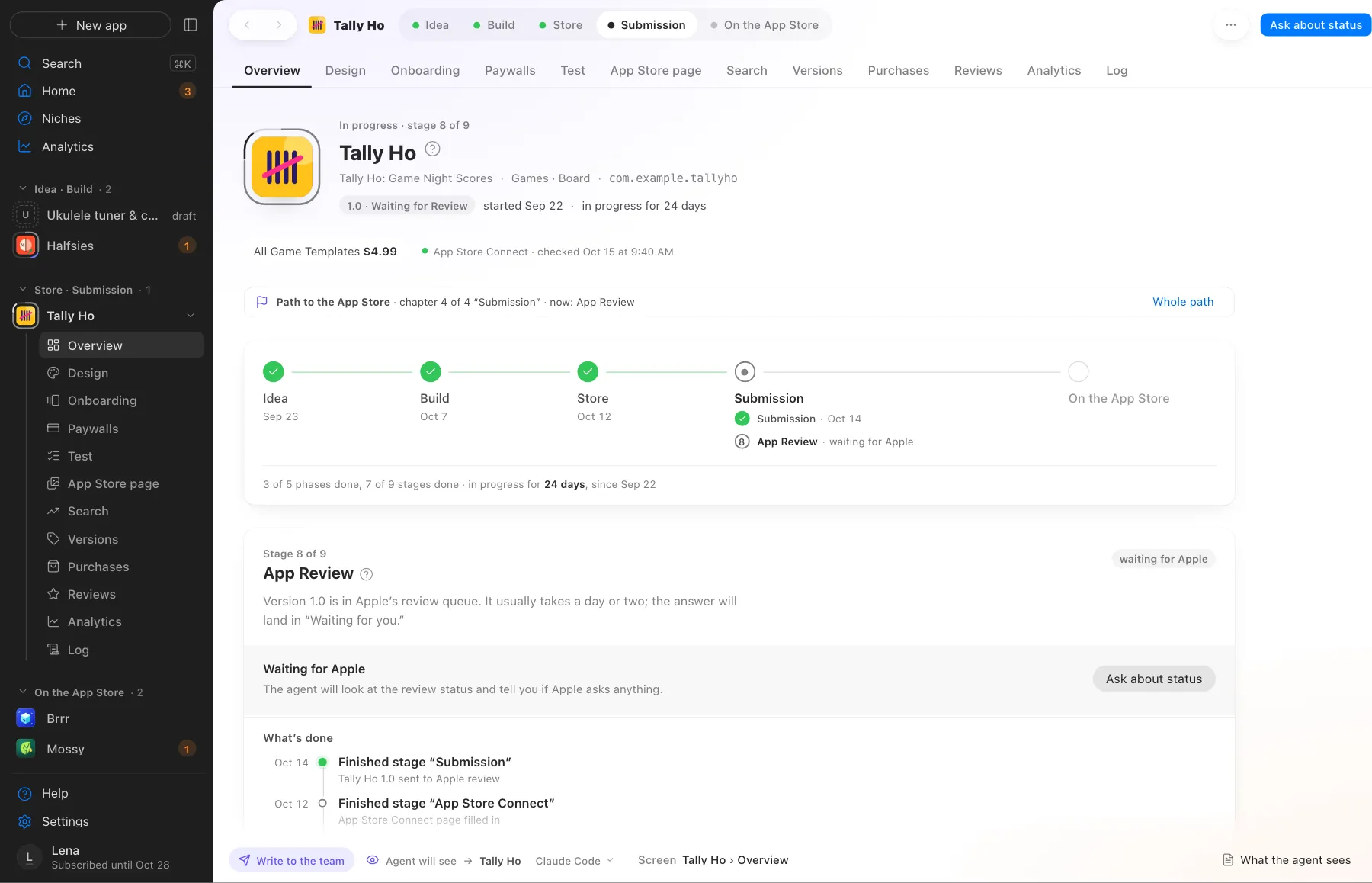
An app in App Review. What’s done, stage by stage, with dates
What Appto does and where you choose
Appto does it
- Sets up purchases and subscriptions with their copy in each language
- Suggests prices by country based on purchasing power, from World Bank data
- Fills in the privacy questionnaire and makes a privacy policy page
- Builds and uploads the build and runs the final checklist
- Drafts App Store events and featuring nominations
- Explains an Apple rejection and proposes a fix
Your choice
- Say yes where Appto writes to App Store Connect
- Choose whether Appto submits itself or shows you what to press
- Release the approved version
Nothing is written to App Store Connect without your confirmation. You sign in to your Apple ID only in the Appto window, with the password behind Touch ID. The App Store Connect key stays in your Mac’s keychain. Nobody can promise Apple’s approval.
More screens
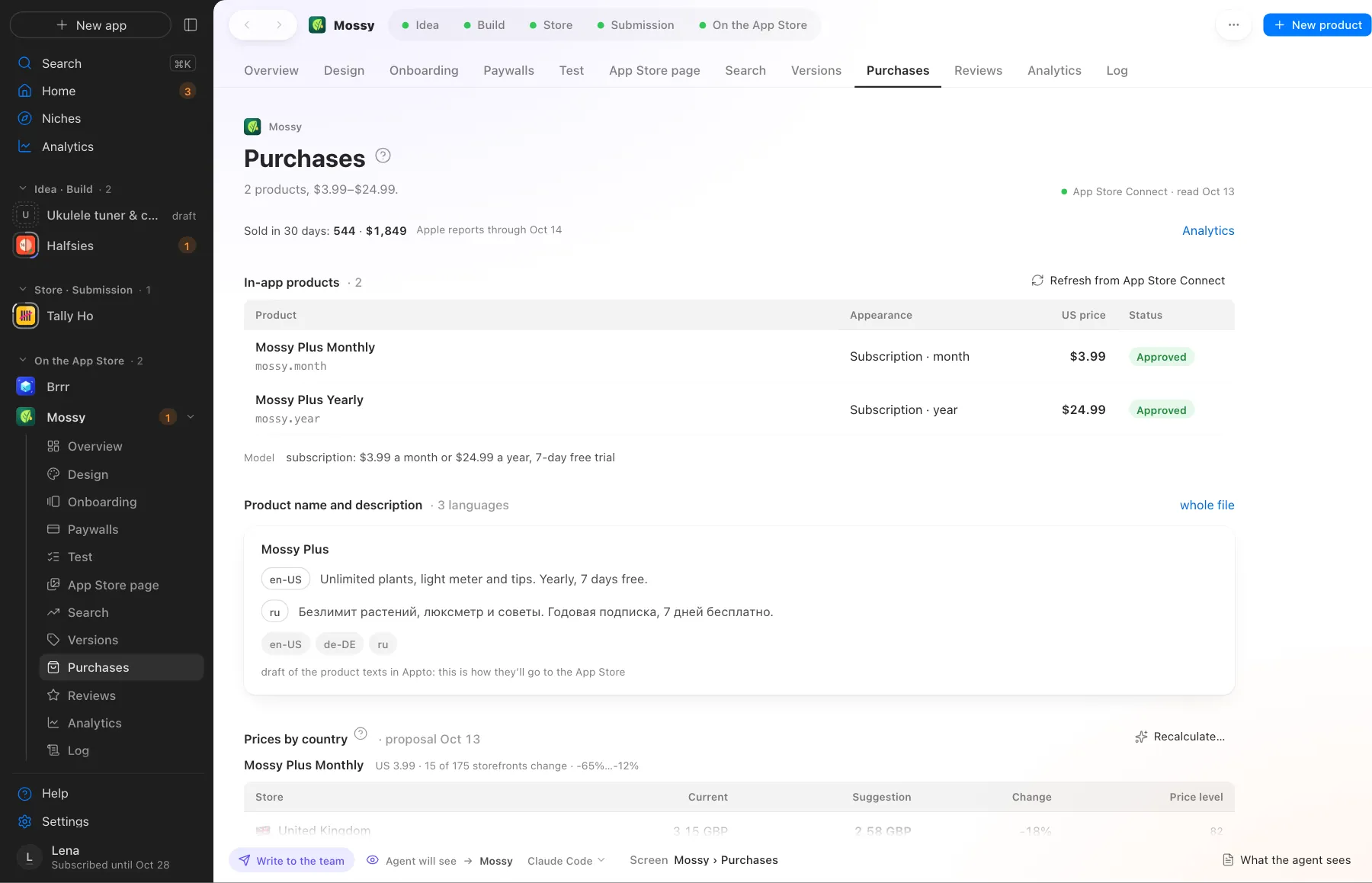
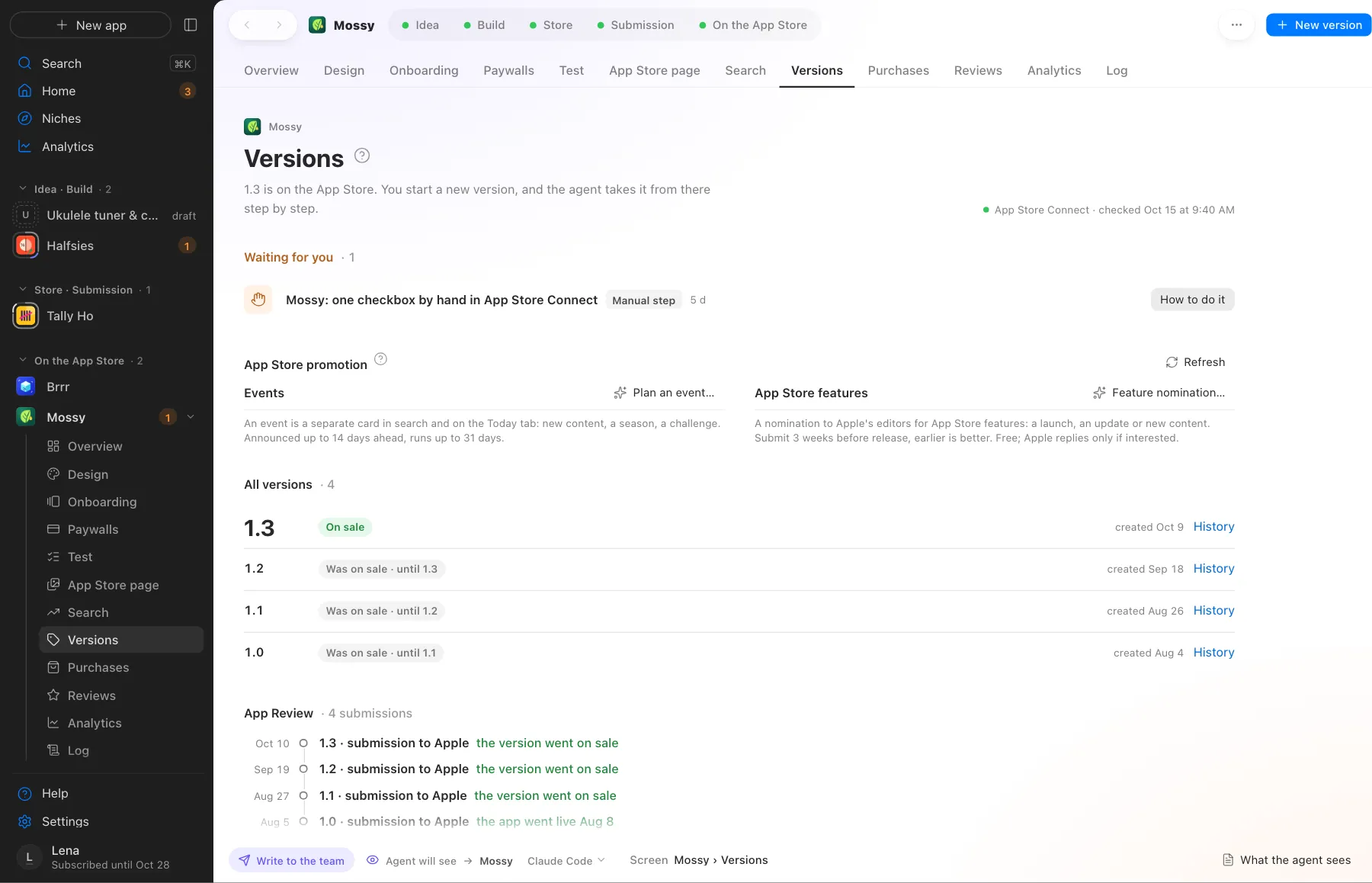
Screens use demo data, with no real apps or numbers.
Where this happens
The App Store Connect, Submission and App Review stages. A stage is ticked off by its state in App Store Connect.
Nearby on the path
 07
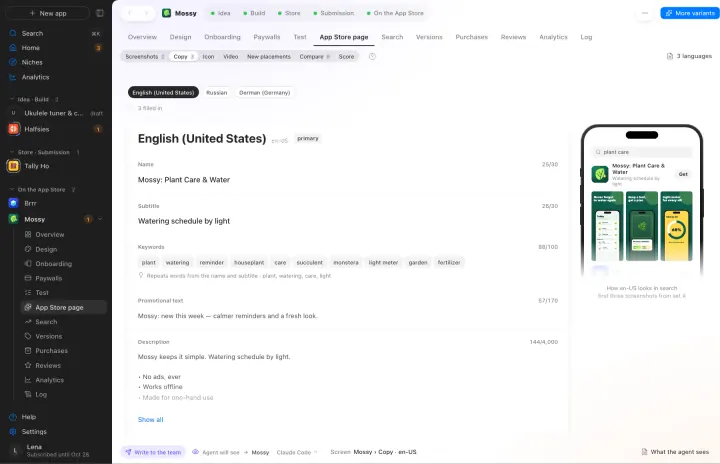
07ASO and the App Store page
Name, subtitle and keywords in every language, a page score out of 100
 09
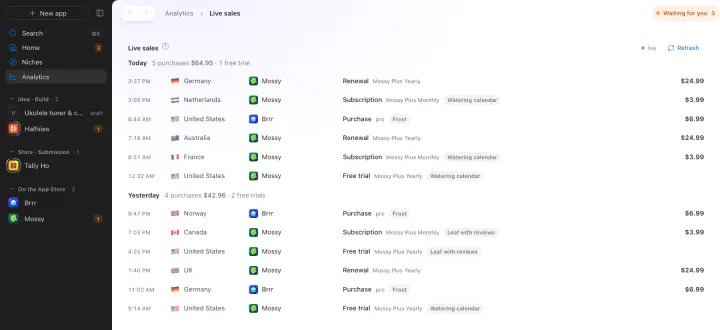
09Live sales
Every purchase, trial and renewal shows up as it happens, across all your apps
 10
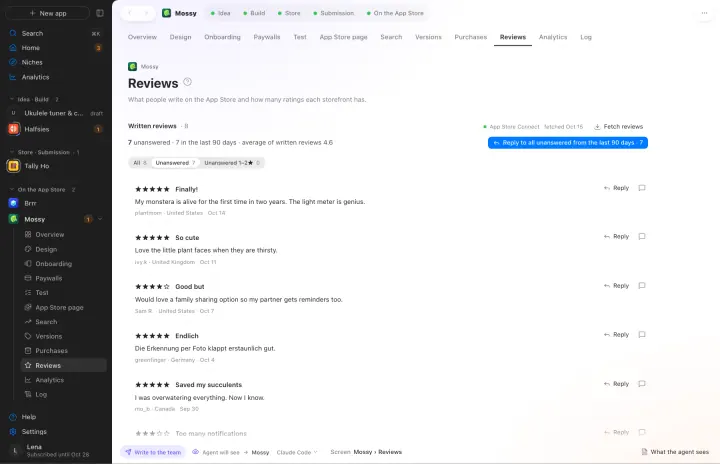
10Reviews
Replies to reviews and flags a fresh bad rating
Your own AI, on your own subscription
Appto runs on Claude Code or Codex with the Claude Pro or ChatGPT Plus subscription you already have. Each app can have its own agent, and you can switch any time.
Who owns the code, where the keys live, what it costs. All answers →