
Your own server on Cloudflare, free and in your account
Everything your apps need online, Appto sets up on your Cloudflare account with one button: A/B test shares and counts, Apple’s purchase notifications, AI features and large-file storage. Your apps talk only to your server, and the data stays with you.
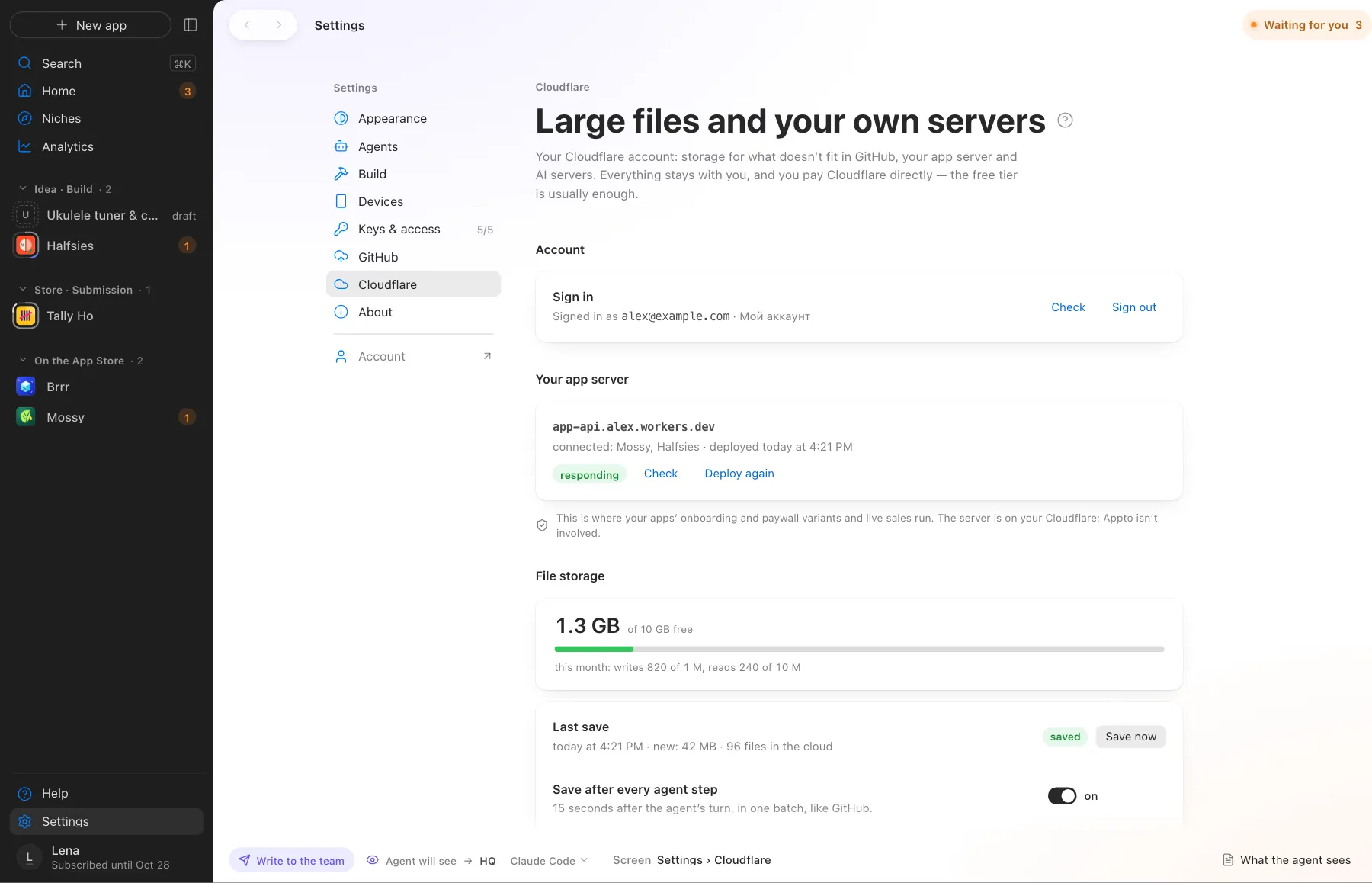
App server, AI server and storage on your Cloudflare
What Appto does and where you choose
Appto does it
- Sets up an app server on your Cloudflare and connects your apps to it
- Runs onboarding and paywall A/B tests and live sales through it
- Deploys an AI server: the provider key lives there and never goes into the app
- Turns on encrypted storage for sound, video and images that GitHub won’t take
Your choice
- Sign in to Cloudflare with your account
- Press Set up server
Cloudflare’s free tier is more than enough: 100,000 requests a day and 10 GB of storage. Appto doesn’t see your keys or your apps’ data.
More screens
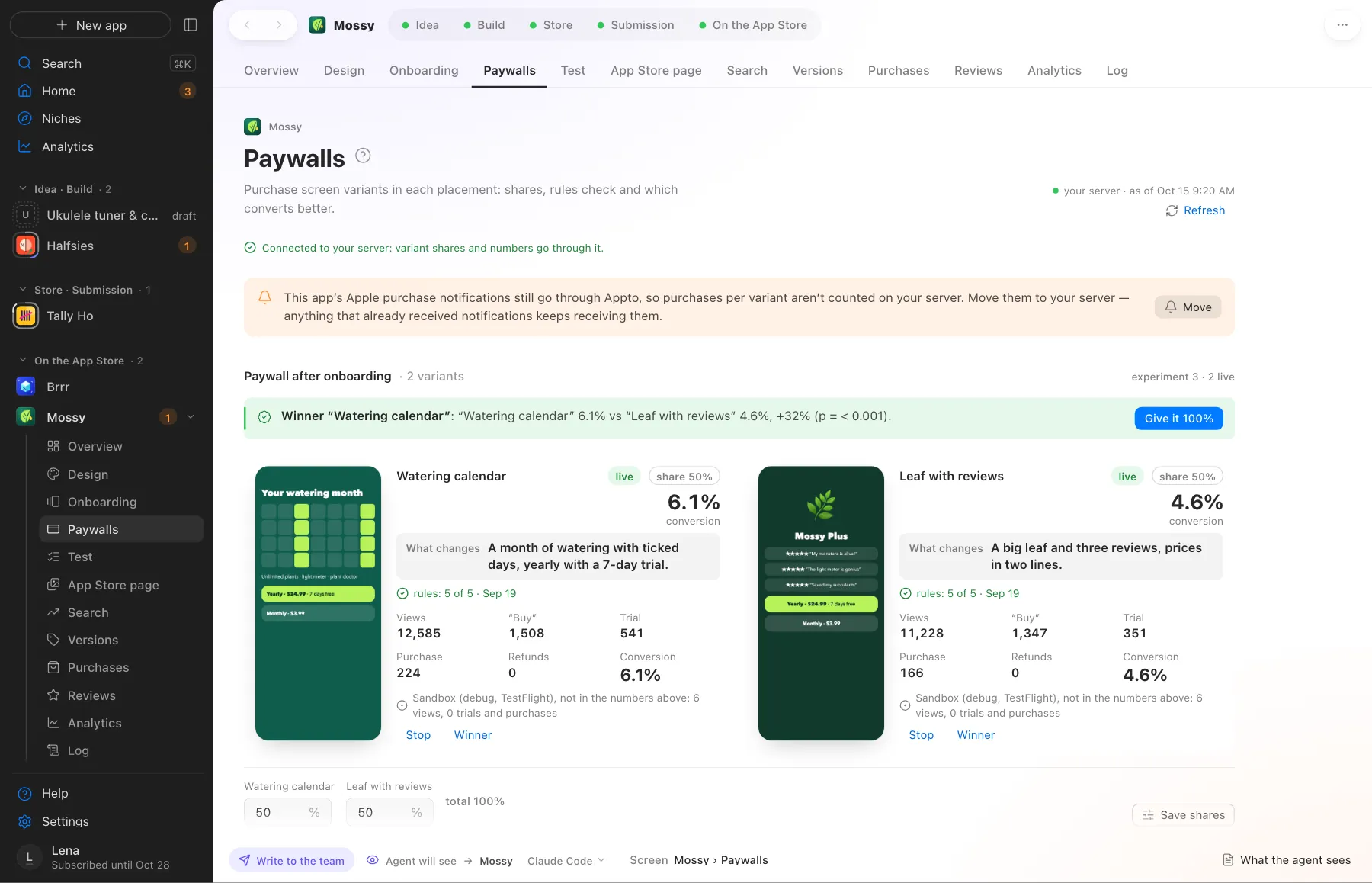
Screens use demo data, with no real apps or numbers.
Where this happens
Settings › Cloudflare. Once for all your apps.
Nearby on the path
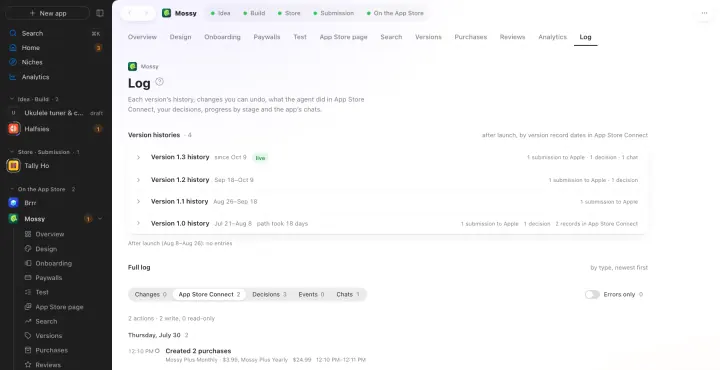 13
13GitHub and Restore
Each app in its own private repository, and Appto makes the commits itself
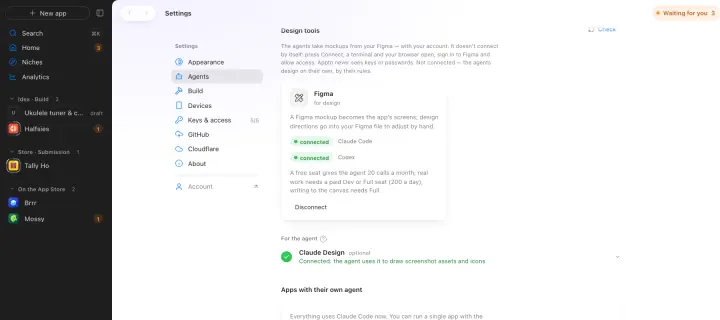 15
15Figma
A Figma mockup becomes the app’s screens
 01
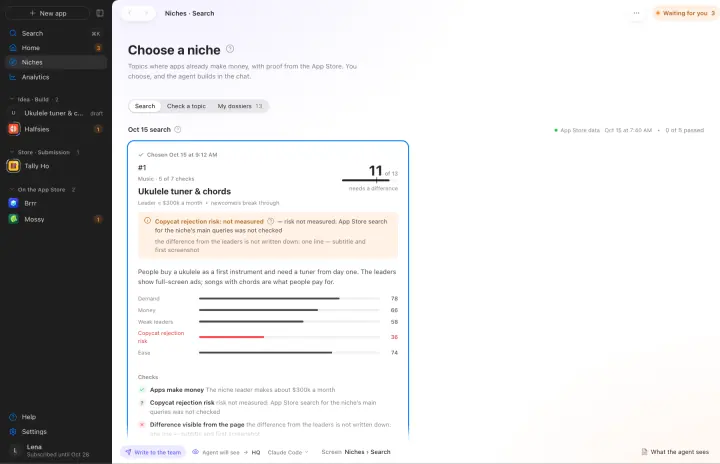
01Niche search
Where apps already make money, with App Store evidence and a niche score
Your own AI, on your own subscription
Appto runs on Claude Code or Codex with the Claude Pro or ChatGPT Plus subscription you already have. Each app can have its own agent, and you can switch any time.
Who owns the code, where the keys live, what it costs. All answers →