
Every step saved in your GitHub, and any step can be undone
Each app lives in your own private GitHub repository. A new version lands there after every step the agent takes, and in the Appto log any step comes back with the Restore button.
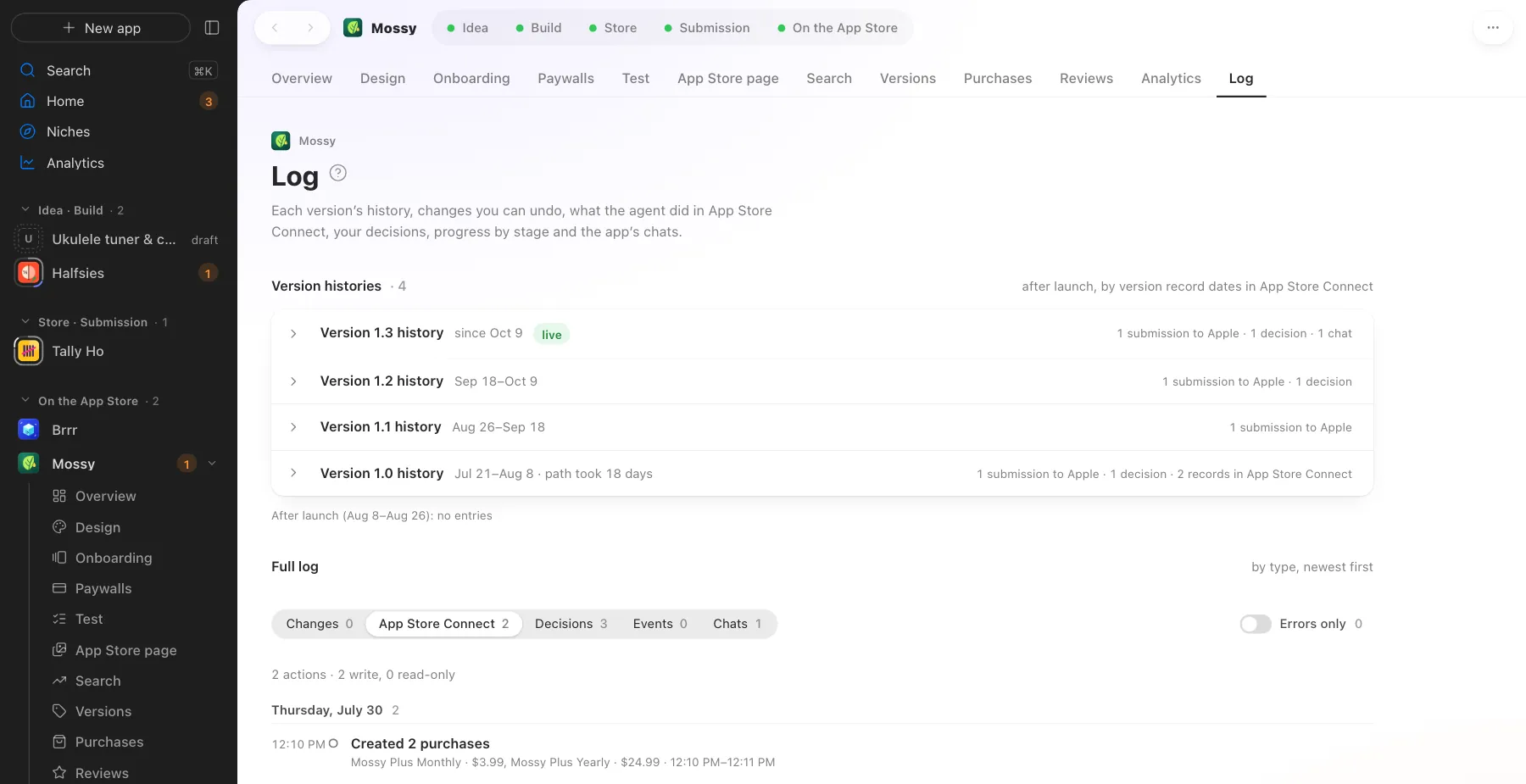
The log. The history of every version and restoring “as it was”
What Appto does and where you choose
Appto does it
- Saves the code, page copy and decisions to the private repository after every step
- Keeps a log. Version histories, App Store Connect writes, your decisions, chats
- Brings back any step with one button
Your choice
- Sign in to your GitHub once
- Restore a step if you don’t like the result
Keys and passwords never go to the repository. Builds stay on your Mac, and if you like, large files, audio, video and store images go to your own Cloudflare R2 storage, encrypted on your Mac. If you stop paying, your apps, repositories, history and chats stay yours.
More screens
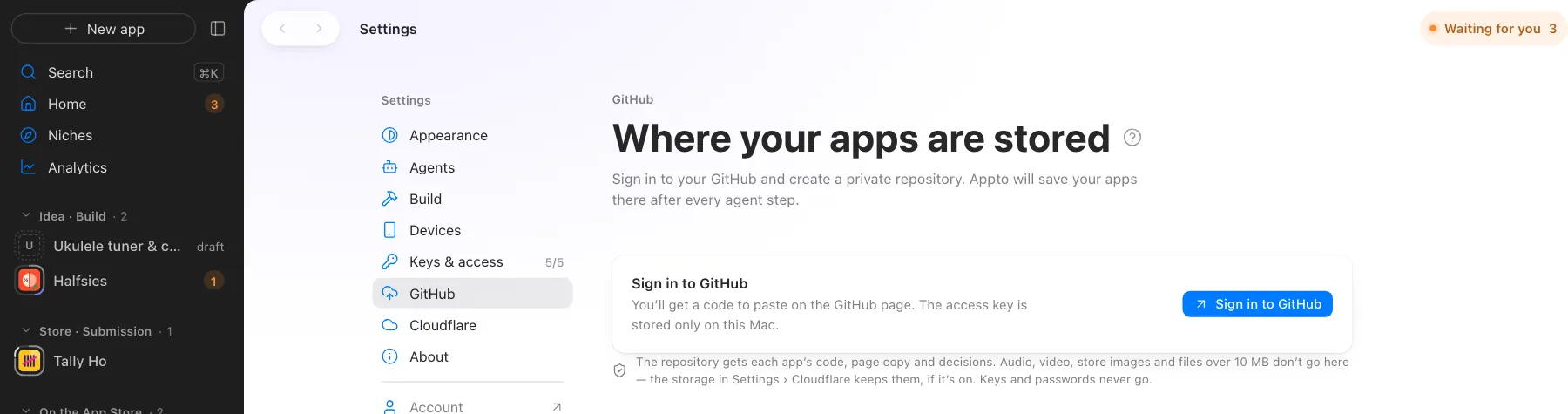
Screens use demo data, with no real apps or numbers.
Where this happens
At every stage, from the agent’s first step.
Nearby on the path
 12
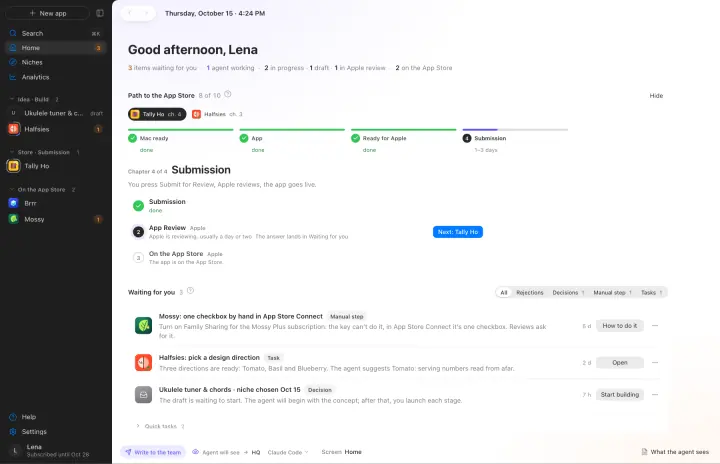
12Many apps and agents
Apps in parallel, each with its own agent, one Waiting for you queue
 14
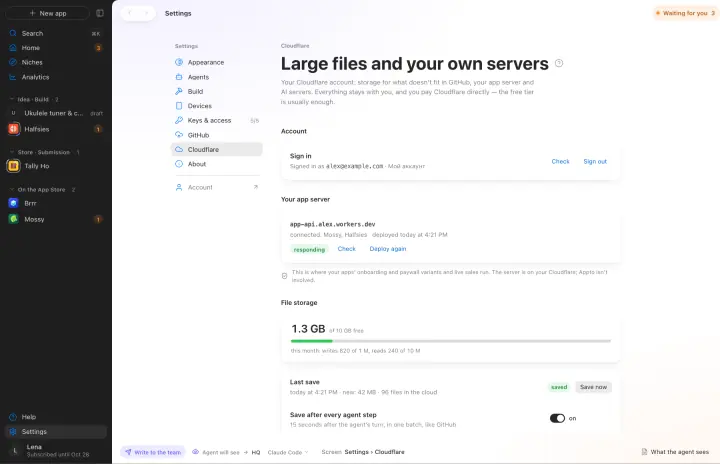
14Your own server on Cloudflare
A/B tests, live sales, AI and large files on your free Cloudflare
 15
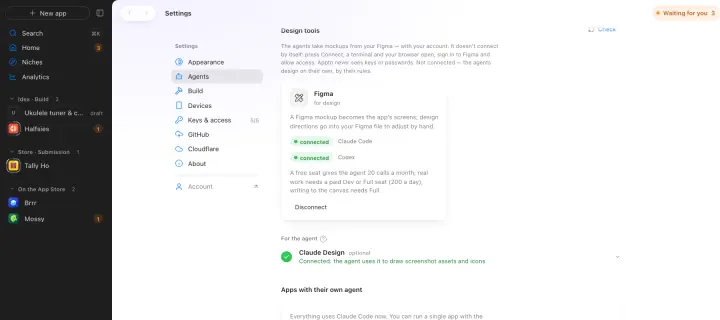
15Figma
A Figma mockup becomes the app’s screens
Your own AI, on your own subscription
Appto runs on Claude Code or Codex with the Claude Pro or ChatGPT Plus subscription you already have. Each app can have its own agent, and you can switch any time.
Who owns the code, where the keys live, what it costs. All answers →