
Two or three design directions and a mockup you tap like a phone
Appto designs the look of the app in several directions and explains each one. You flip through a live mockup right in the Appto window and pick one with a click. The code is written for the one you chose.
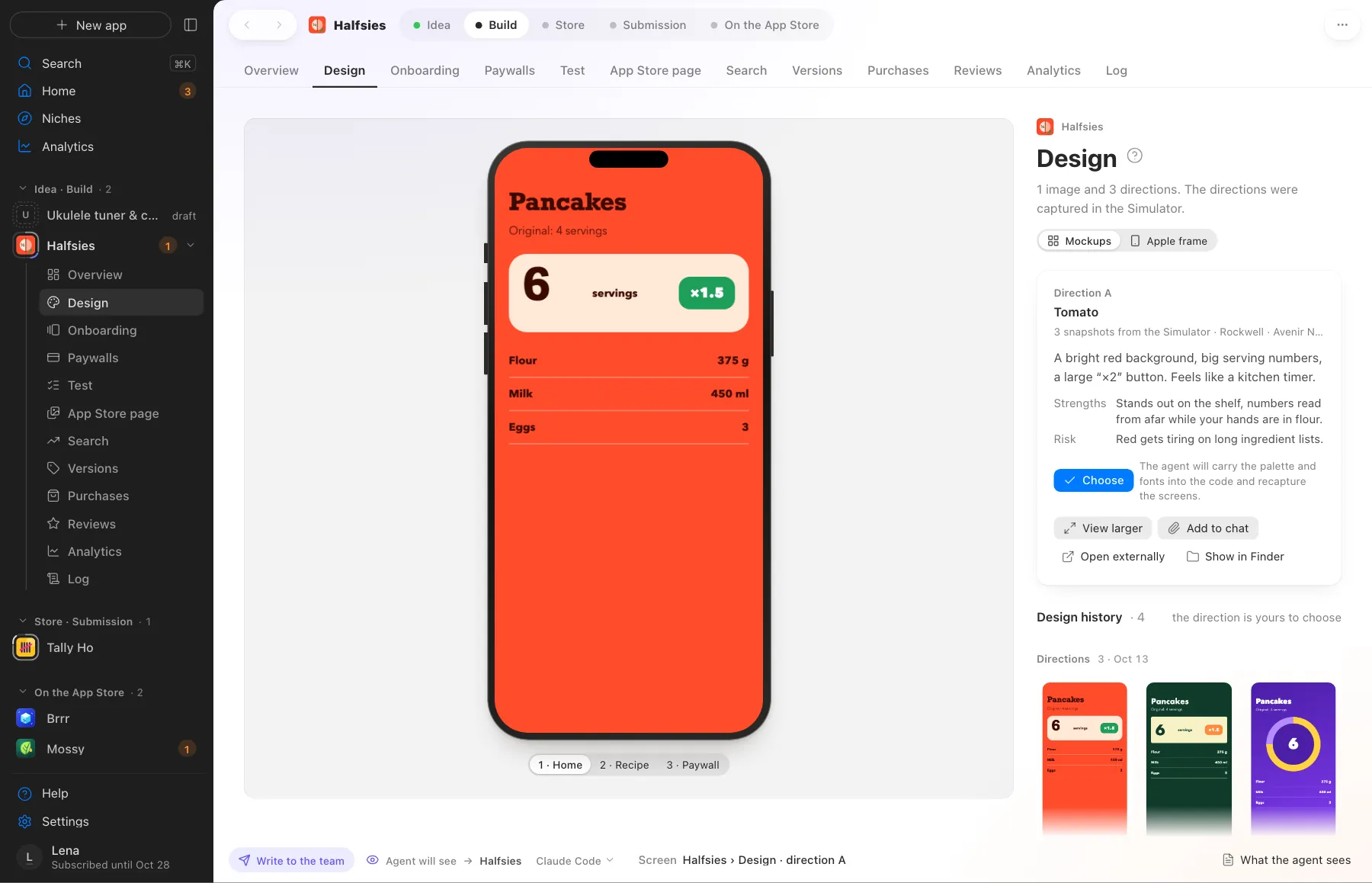
Three design directions, each with its strength and its risk
What Appto does and where you choose
Appto does it
- Prepares two or three directions with reasons, each with its strength and risk
- Builds a live mockup in an iPhone frame with screens you can flip through
- Picks a palette, fonts and an icon and shows them side by side
- First studies the niche leaders on the App Store, to make something of its own
- Runs a design critic: light and dark screenshots, a score and fixes until the app looks like itself
Your choice
- Choose a direction
- Ask for changes if something is missing
Your choice goes to the agent together with the screen you were looking at. No need to describe in words which option you liked.
More screens
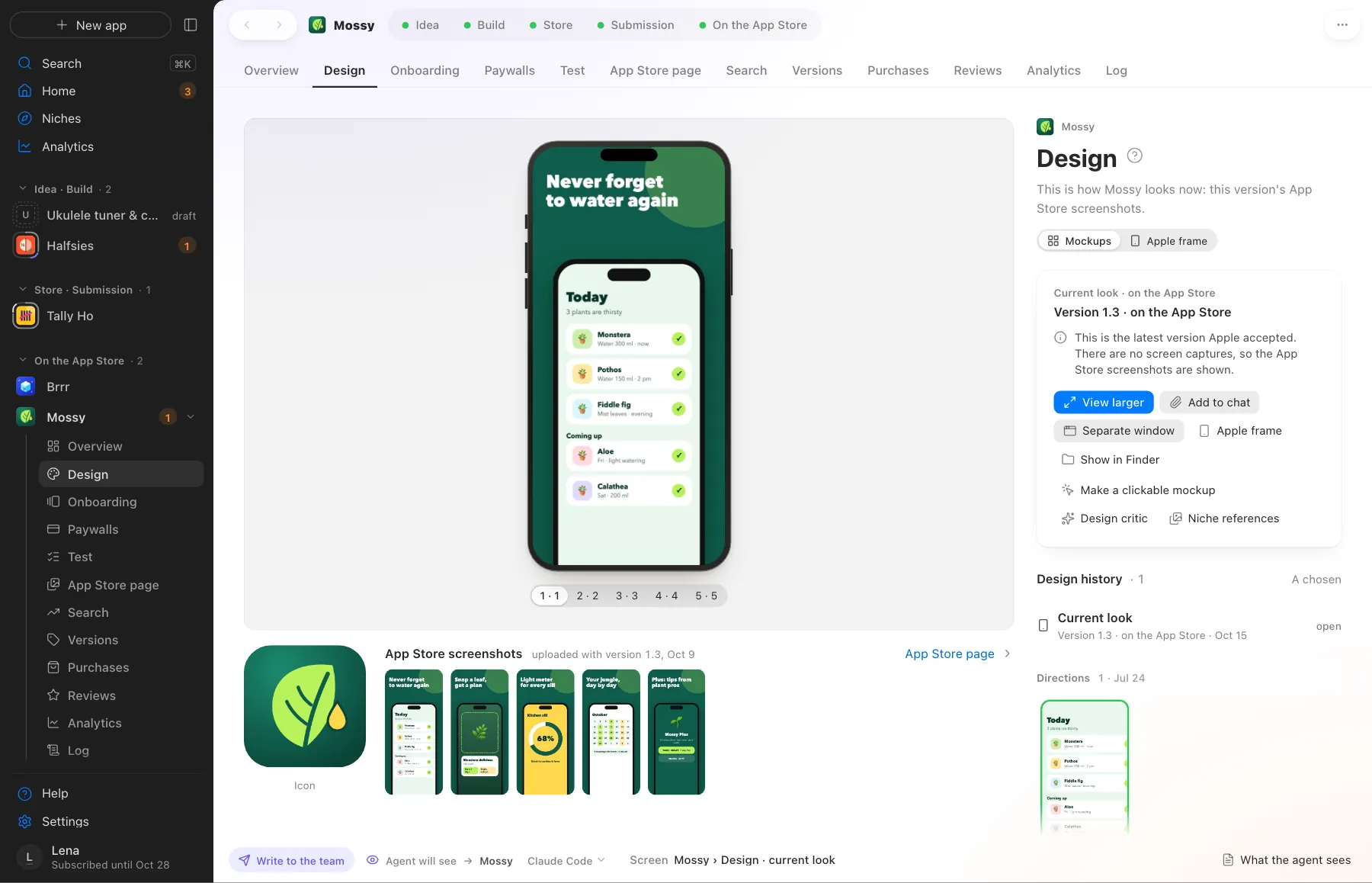
Screens use demo data, with no real apps or numbers.
Where this happens
The Code and design stage in the Build phase. Picking a direction lands in your Waiting for you queue.
Nearby on the path
 02
02Concept and similarity check
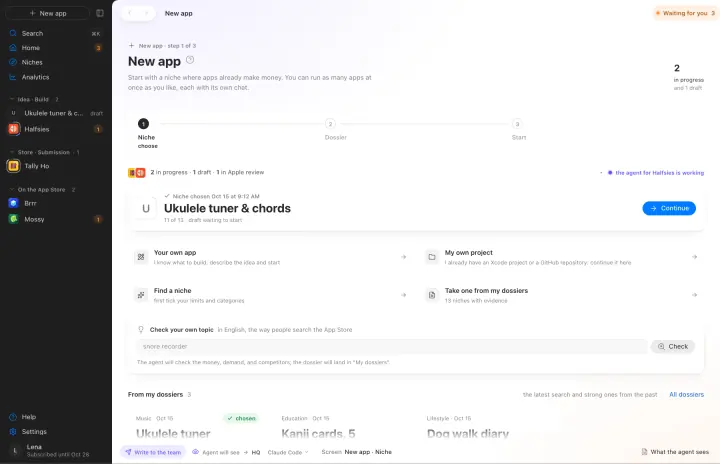
Name, core loop and monetization. Similarity to your own apps is checked before any code
 04
04Code and self-check
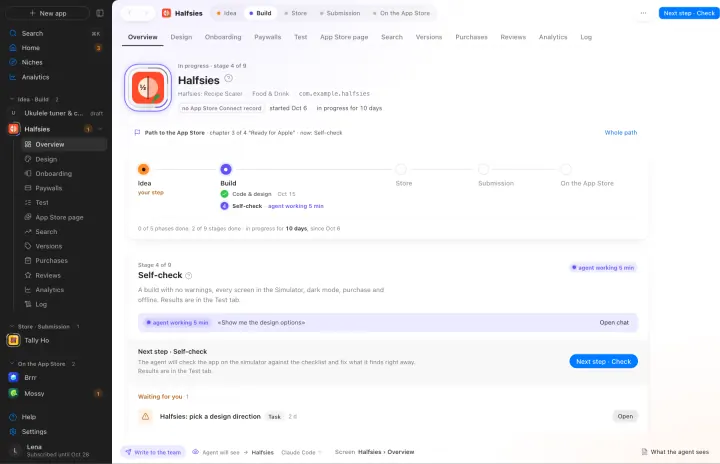
SwiftUI, then it walks every screen on the simulator and fixes what it finds
 05
05Onboarding and paywalls
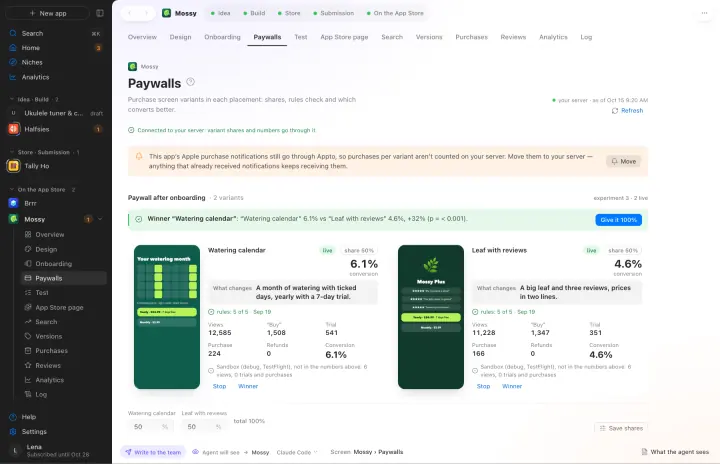
Several variants and a count of which one sells better
Your own AI, on your own subscription
Appto runs on Claude Code or Codex with the Claude Pro or ChatGPT Plus subscription you already have. Each app can have its own agent, and you can switch any time.
Who owns the code, where the keys live, what it costs. All answers →